01 / Ovee: AI for live events.
Ovee: live-event AI with a human in control
Full-stack product engineering · Dorier · Fortune-500 tour and mci group’s CheckedIn · 2026
Ovee listens to a live stage, drafts what an AI co-host should say, and puts that draft in front of an operator before anything reaches the room. It also turns hundreds of audience and workshop contributions into themes on the main screen in seconds.
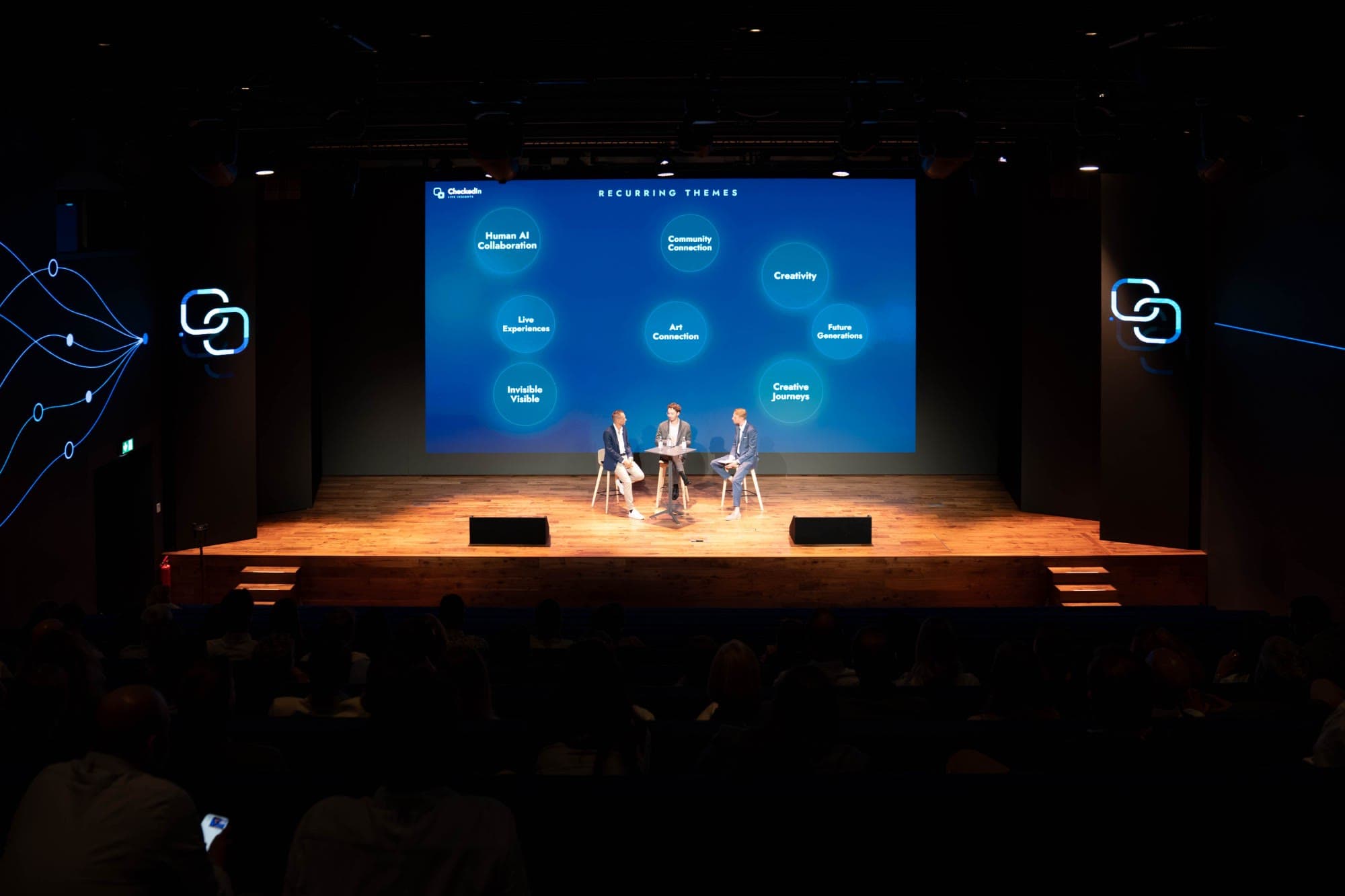
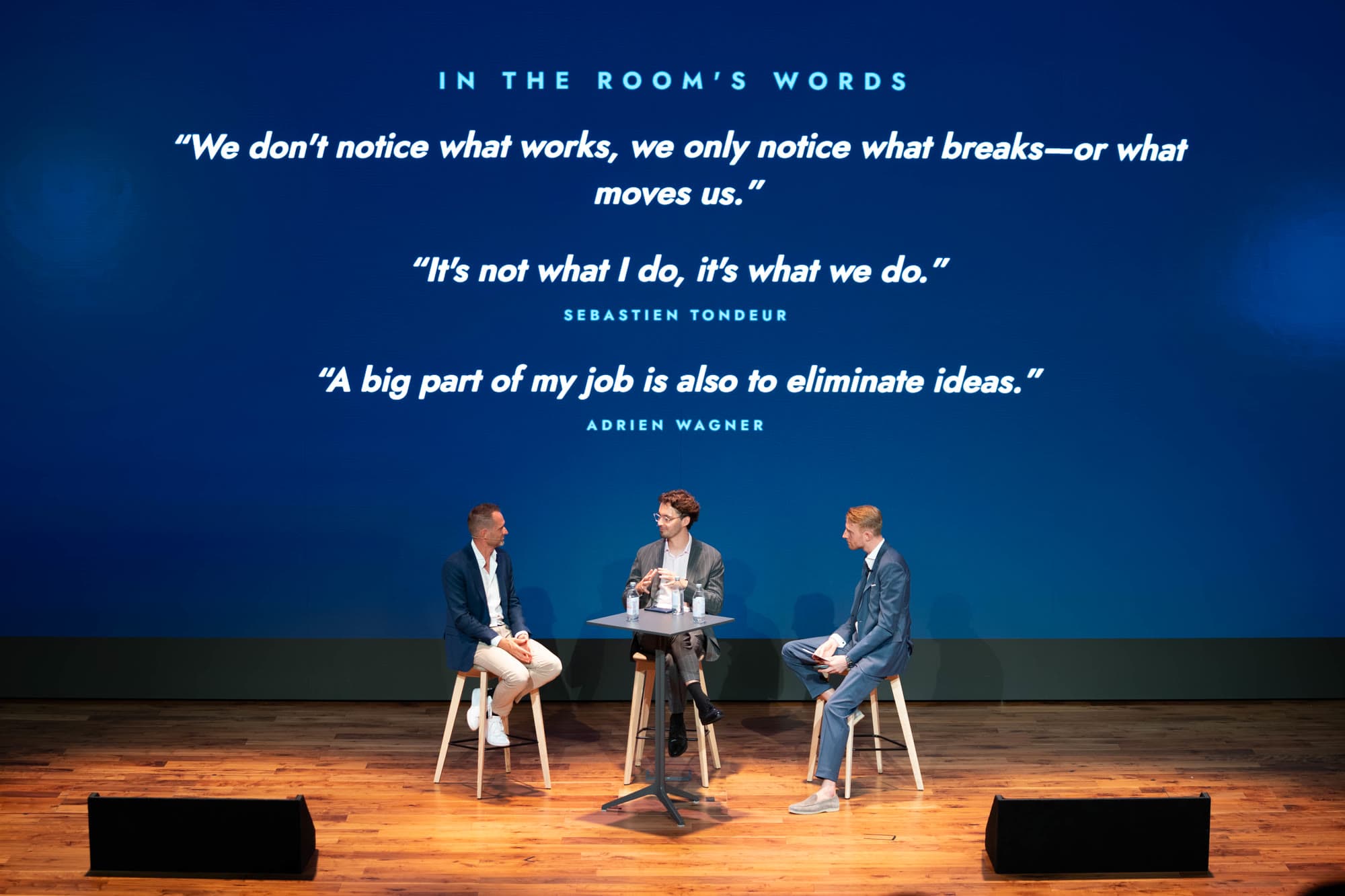
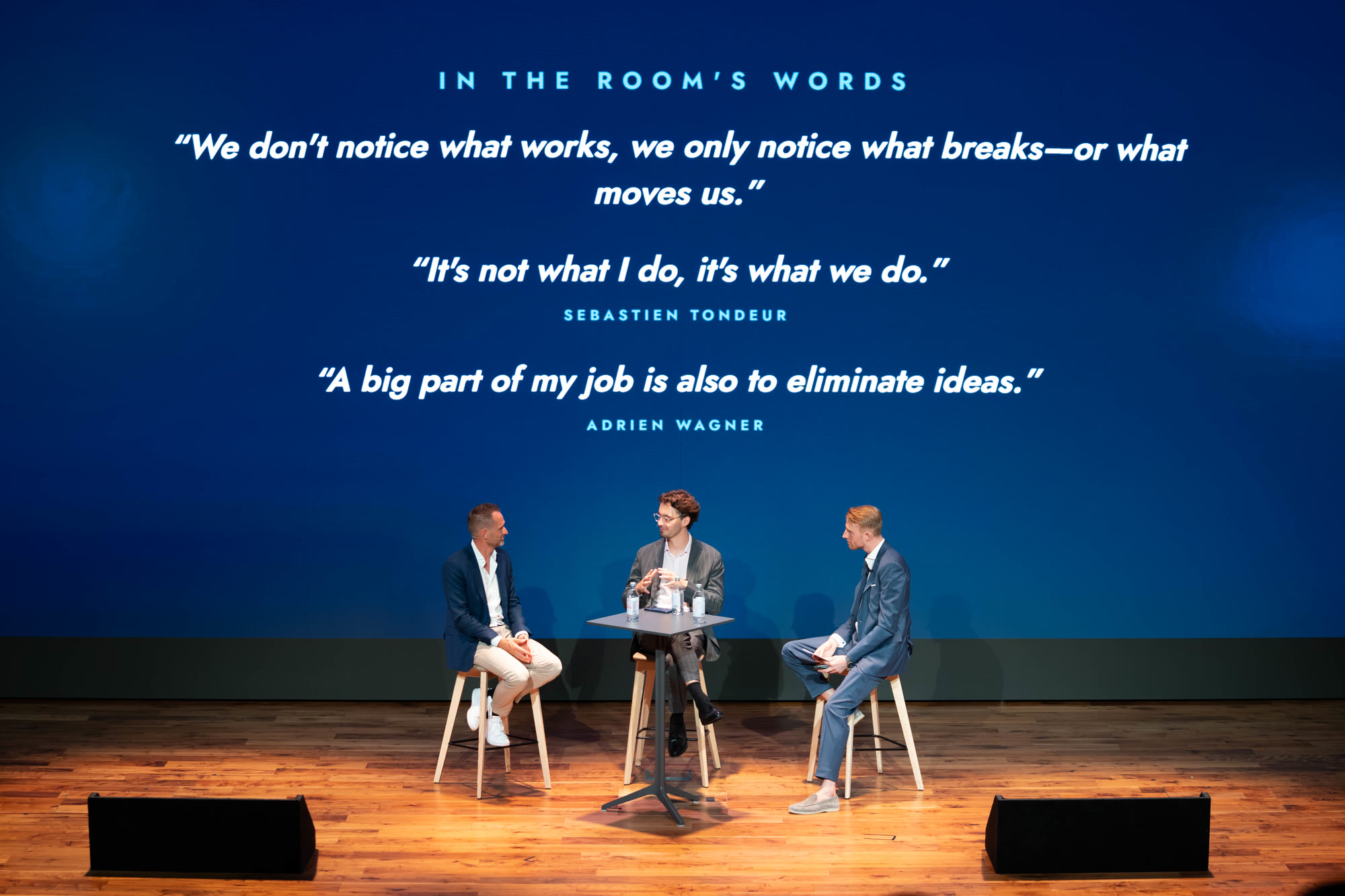
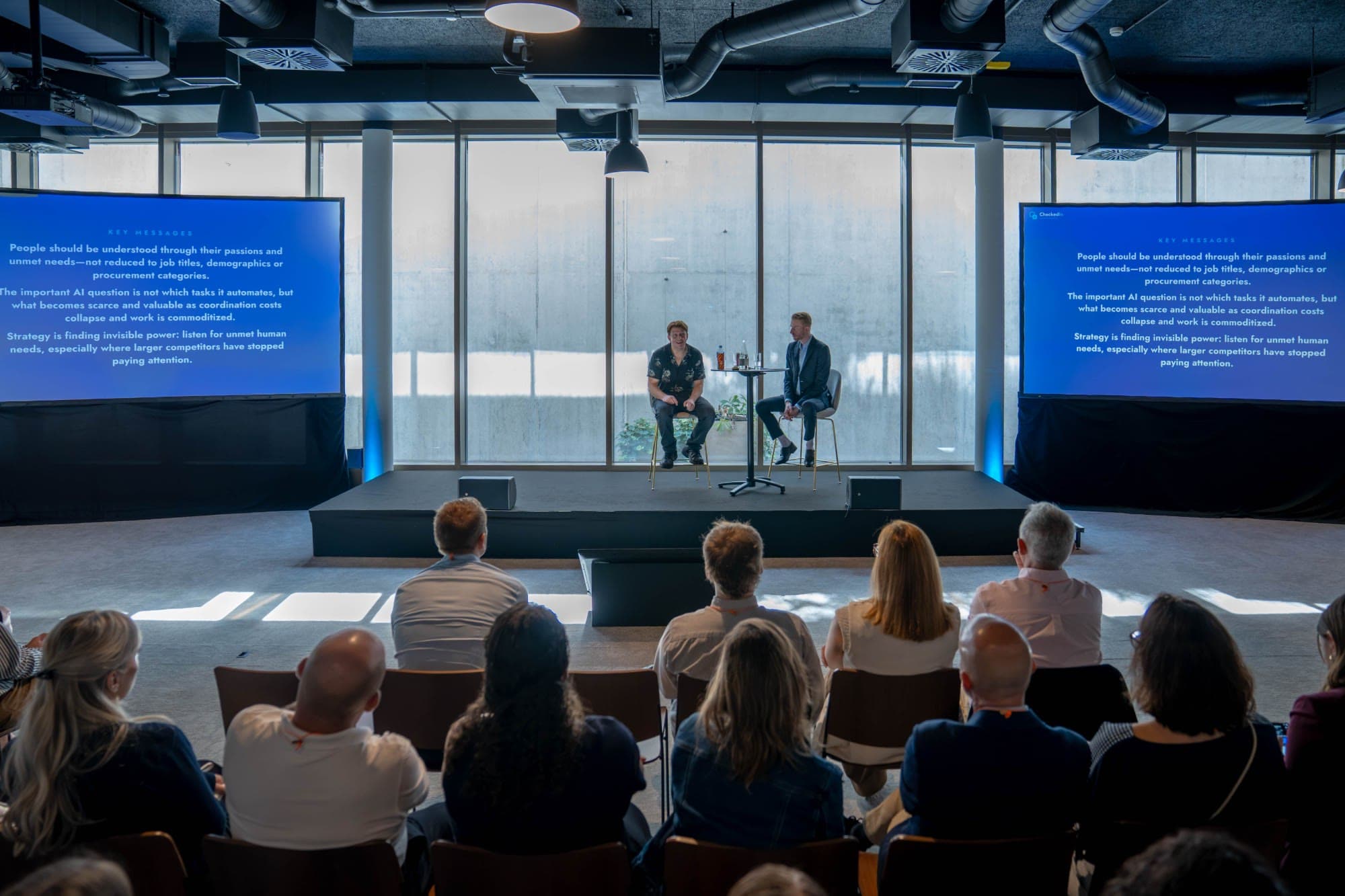
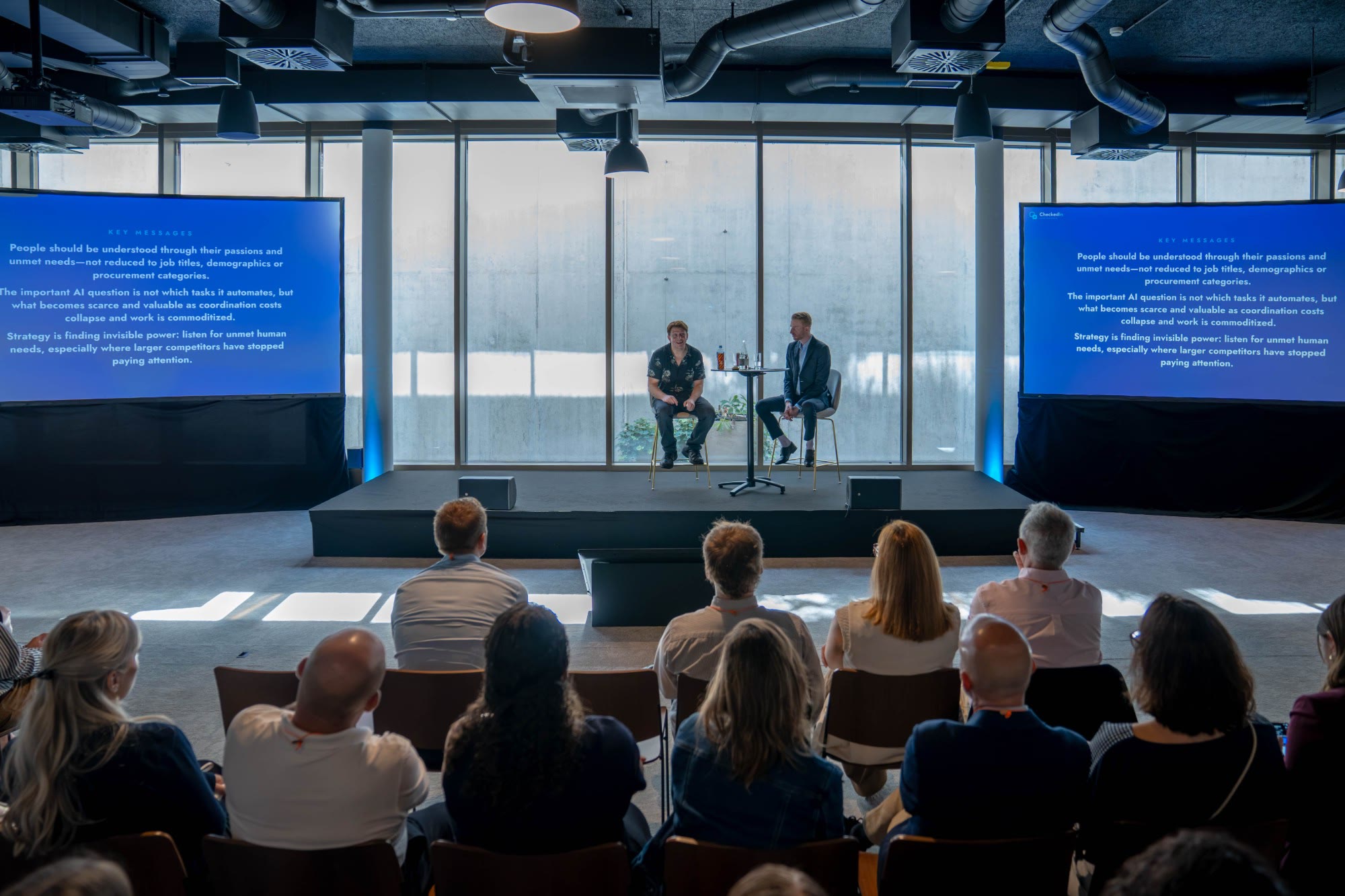
It ran at four live events across Asia and Europe: a three-summit leadership tour for a Fortune-500 multinational, and mci group’s CheckedIn 2026 in Geneva (25–27 August), where Ovee was billed as co-moderator of the main-stage conversation with the group CEO (mci group’s post), listened throughout the three days to put insights on the big screens, and powered the workshop breakout led by Miguel Neves: questions on the big screen, answers from participants’ phones, then insights, a summary, next steps and a downloadable recap. At one leadership summit it supported 600 participants across 60 roundtables, with workshop inputs becoming themes on the main display in approximately five seconds.
At a glance
- CheckedIn, three event days: ~175,000 requests, 7 server errors, average response 16–42 ms (Azure platform metrics).
- Zero off-message moments on stage across all four events.
- Workshop synthesis: 60 roundtables turned into shared themes in seconds; summaries measured at 3–6 s in testing.
My responsibility
I built Ovee: about 600 of roughly 670 commits, from the first commit in March 2026 to productisation in September. That covers the operator approval workflow, playback guards and recovery paths, the realtime audio relay, the workshop and Q&A runtimes, the audience apps, and the move from per-event builds to one configurable product.
Filipe Lopes Pires, lead immersive engineer, built the first version of the speech-approval step and the early workshop mode. Yoav Sochen, the project manager, operated Ovee live at all four events. I trained him on it and stayed on technical standby.
That standby was needed once. At the first event, a spike in concurrent audience connections overwhelmed the server and Ovee dropped out. It self-healed within about a minute, but participants would all reconnect at once, so I scaled the server up live, before they did. It held for the rest of the event. Before the next one I moved Ovee to a larger plan, and load testing became a standard step before every event.
At CheckedIn I shipped fixes between sessions and built a second simultaneous workshop room overnight, while the platform kept serving the event.
React · TypeScript · Python · FastAPI · OpenAI / Azure OpenAI · WebRTC · WebSockets · Cosmos DB · Three.js
Two interfaces, one live experience
The backstage operator needs context and control. The audience needs the right response at the right time, with a display that reflects what is happening.
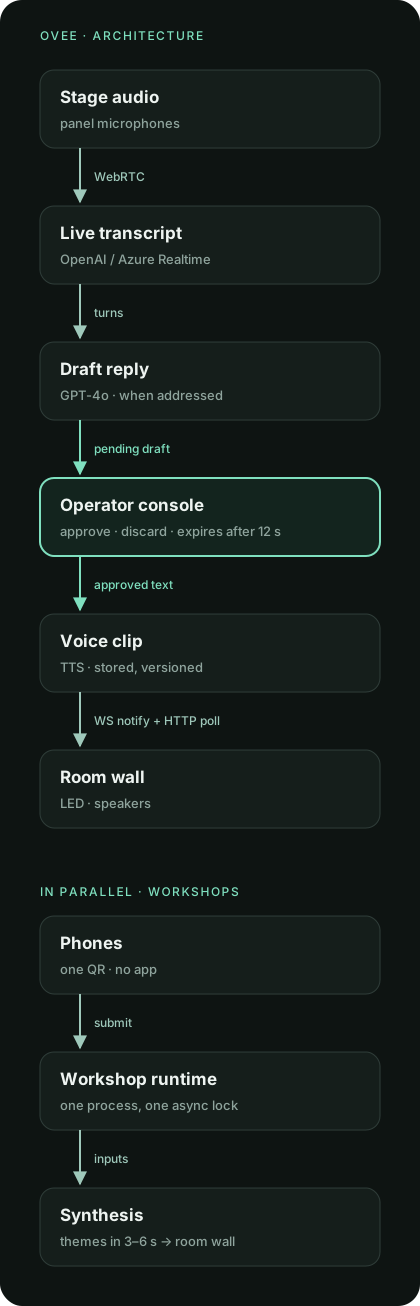
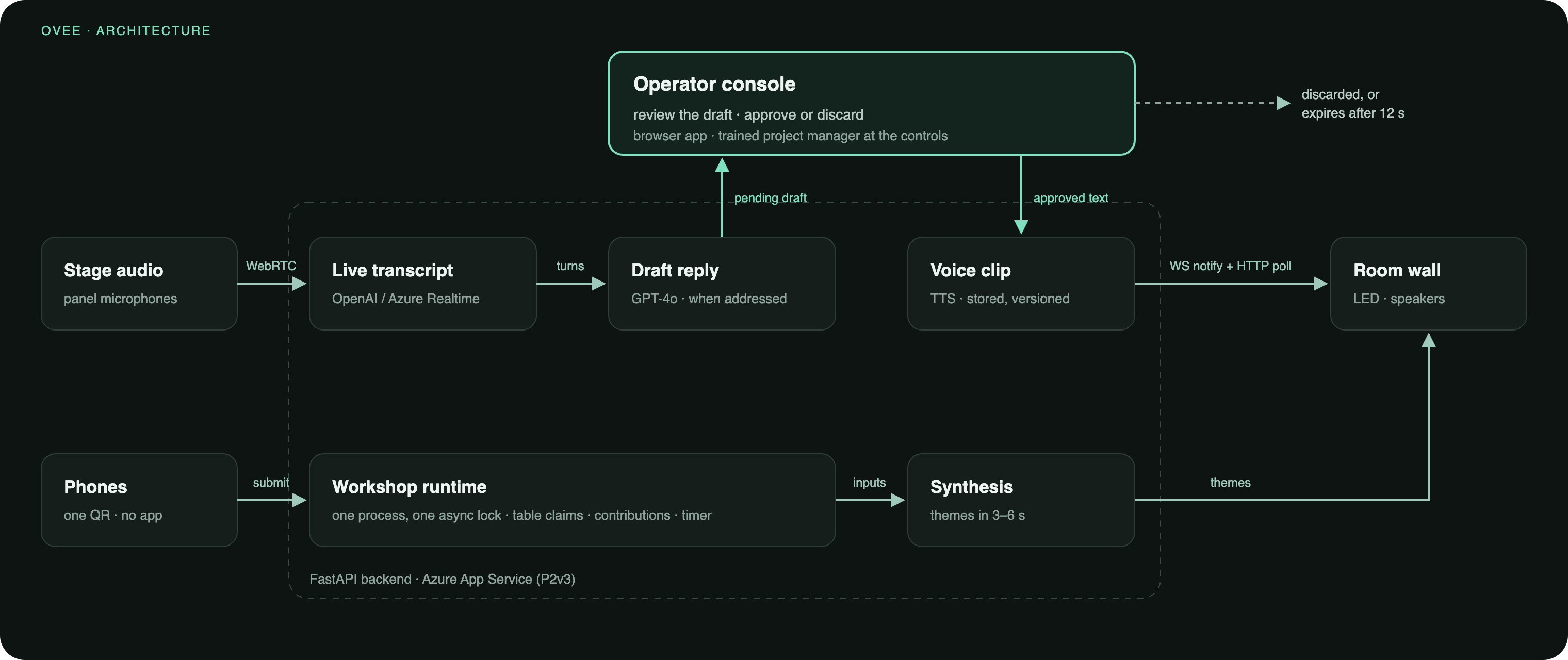
React interfaces connect to FastAPI services for session state, model integration and delivery. WebRTC carries live media, WebSockets coordinate state and notifications, and HTTP delivers stored audio. The combination varies by workflow.
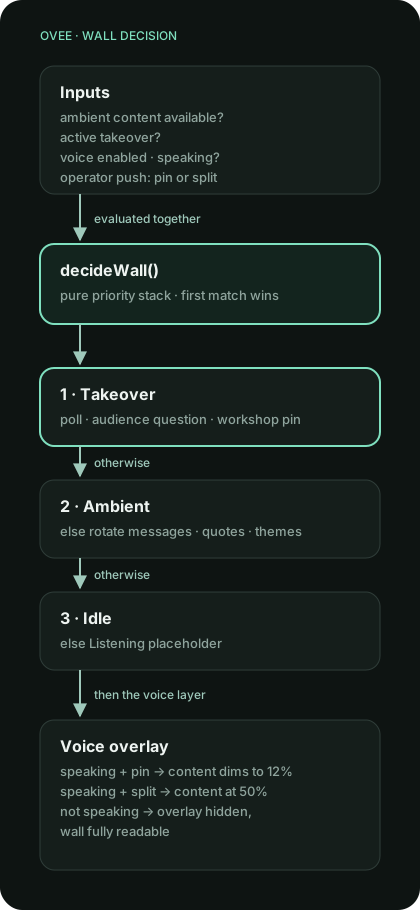
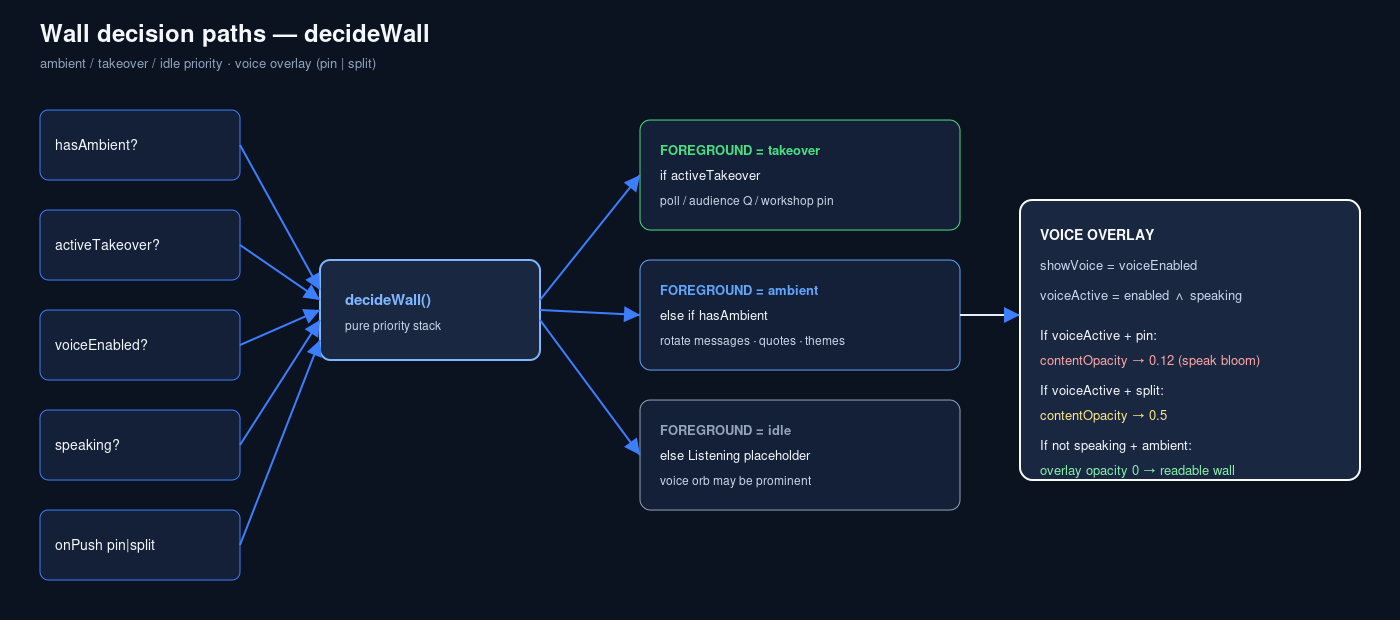
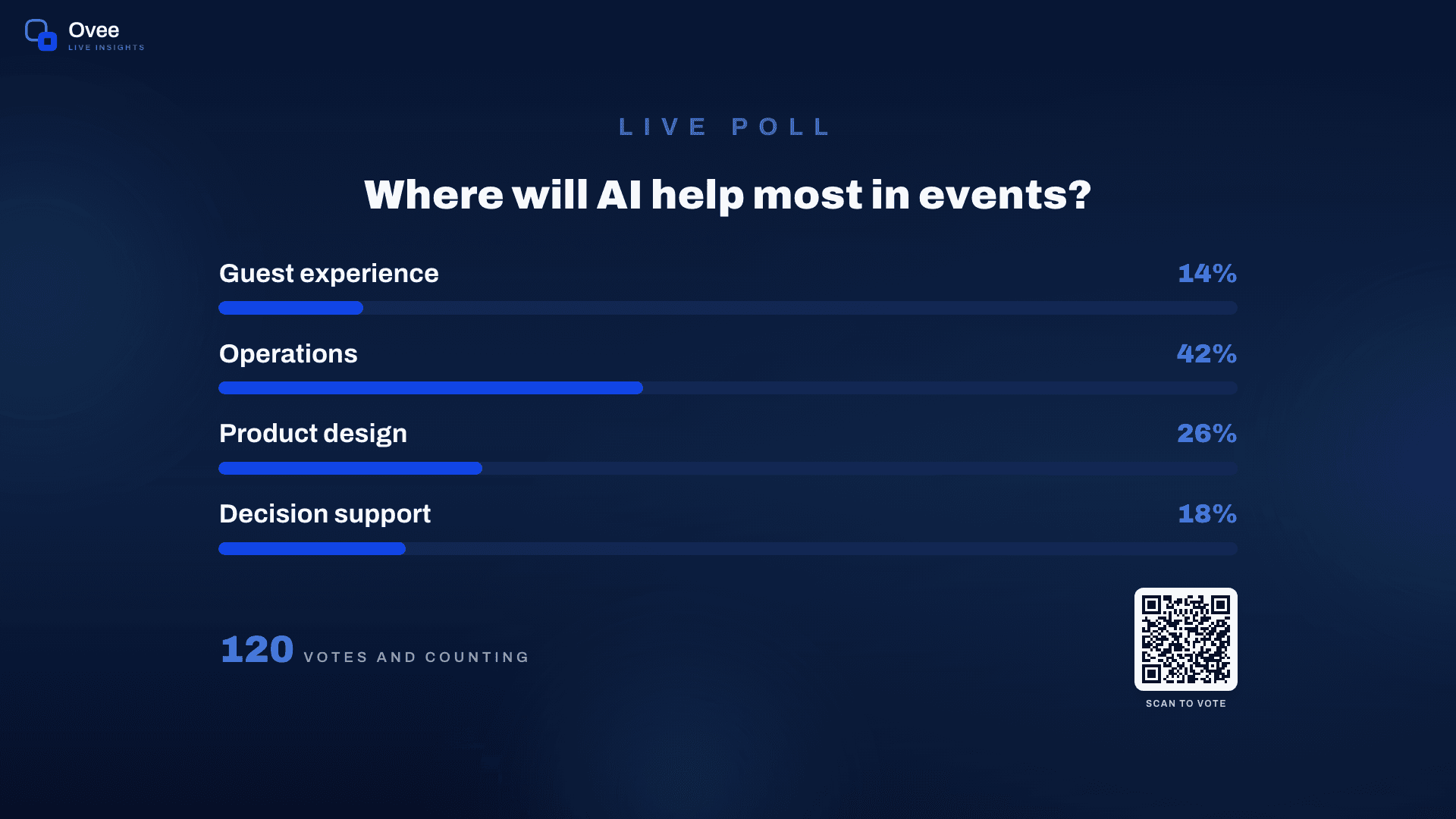
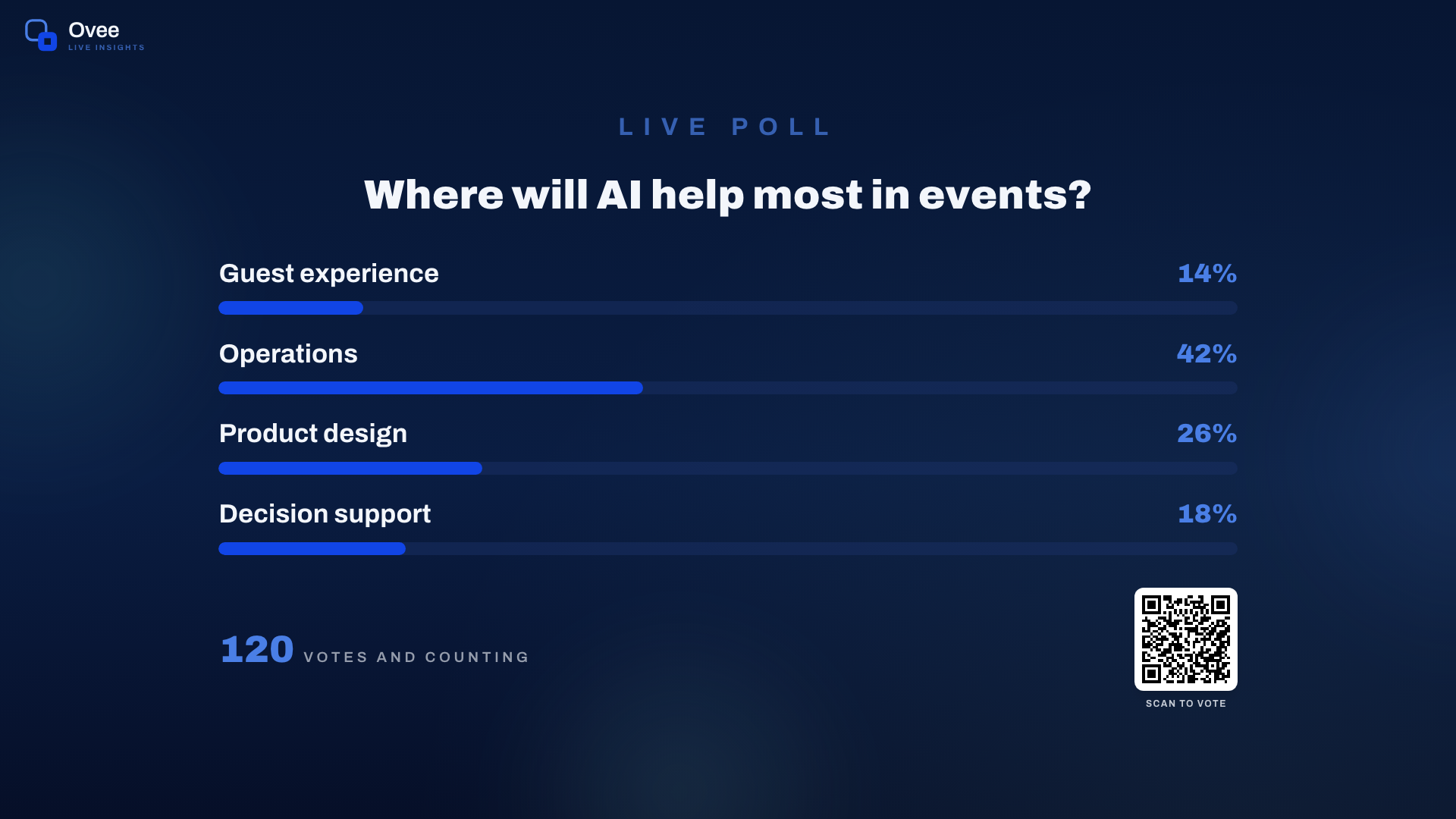
The current Ovee wall brings ambient insights, poll takeovers and speech into one audience surface. The engineering below spans the event workflows and later product consolidation.
A draft needs permission to reach the stage
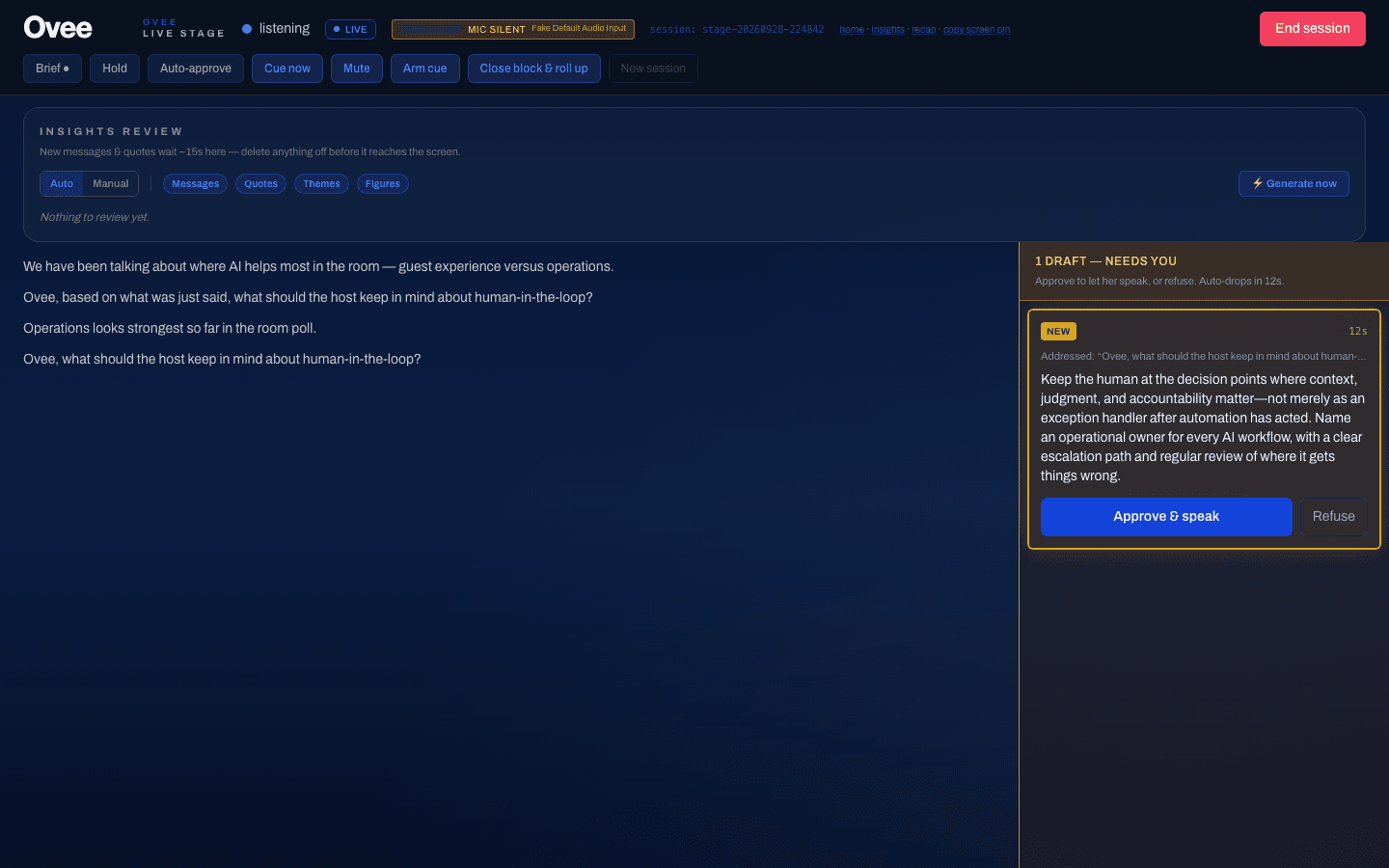
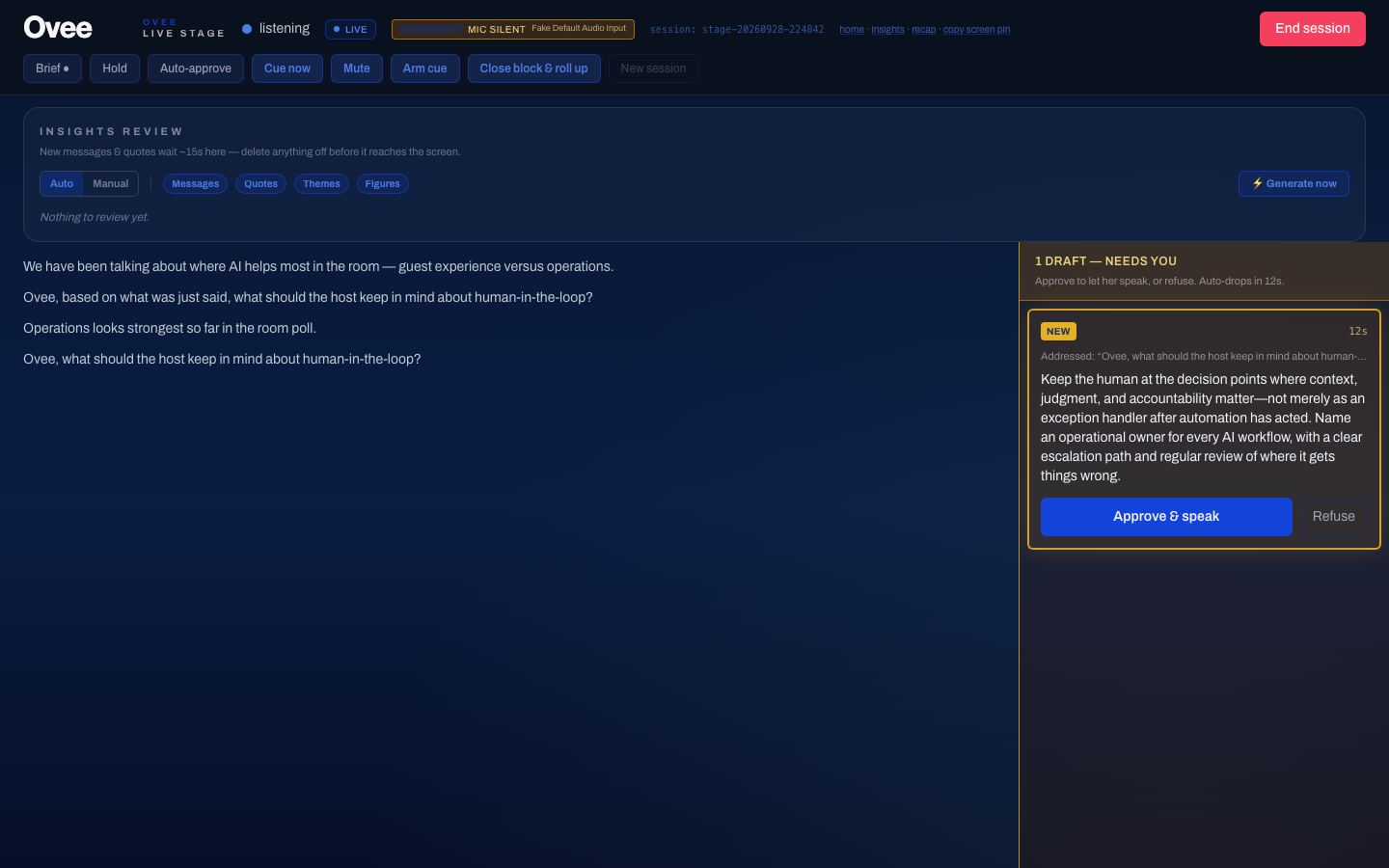
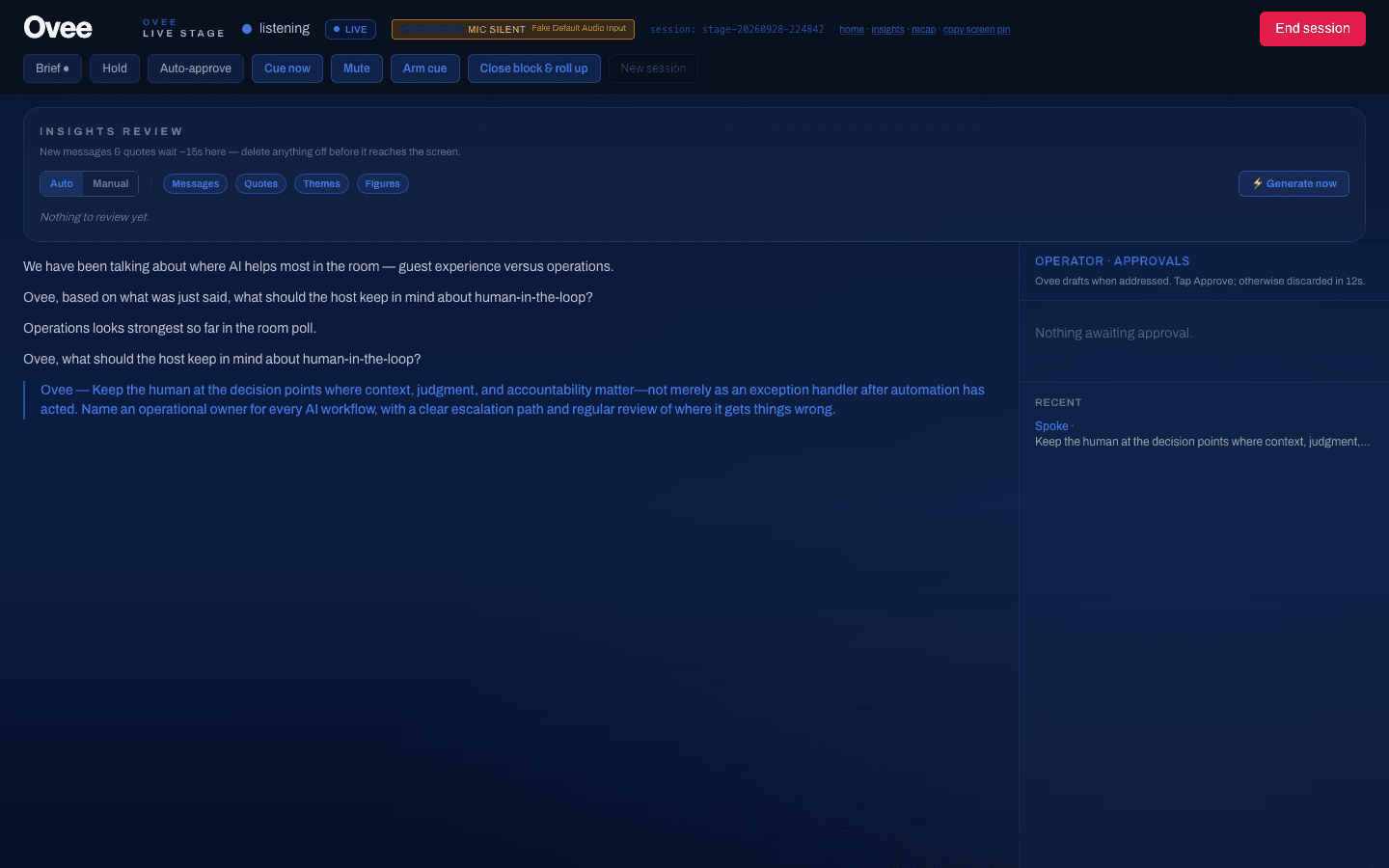
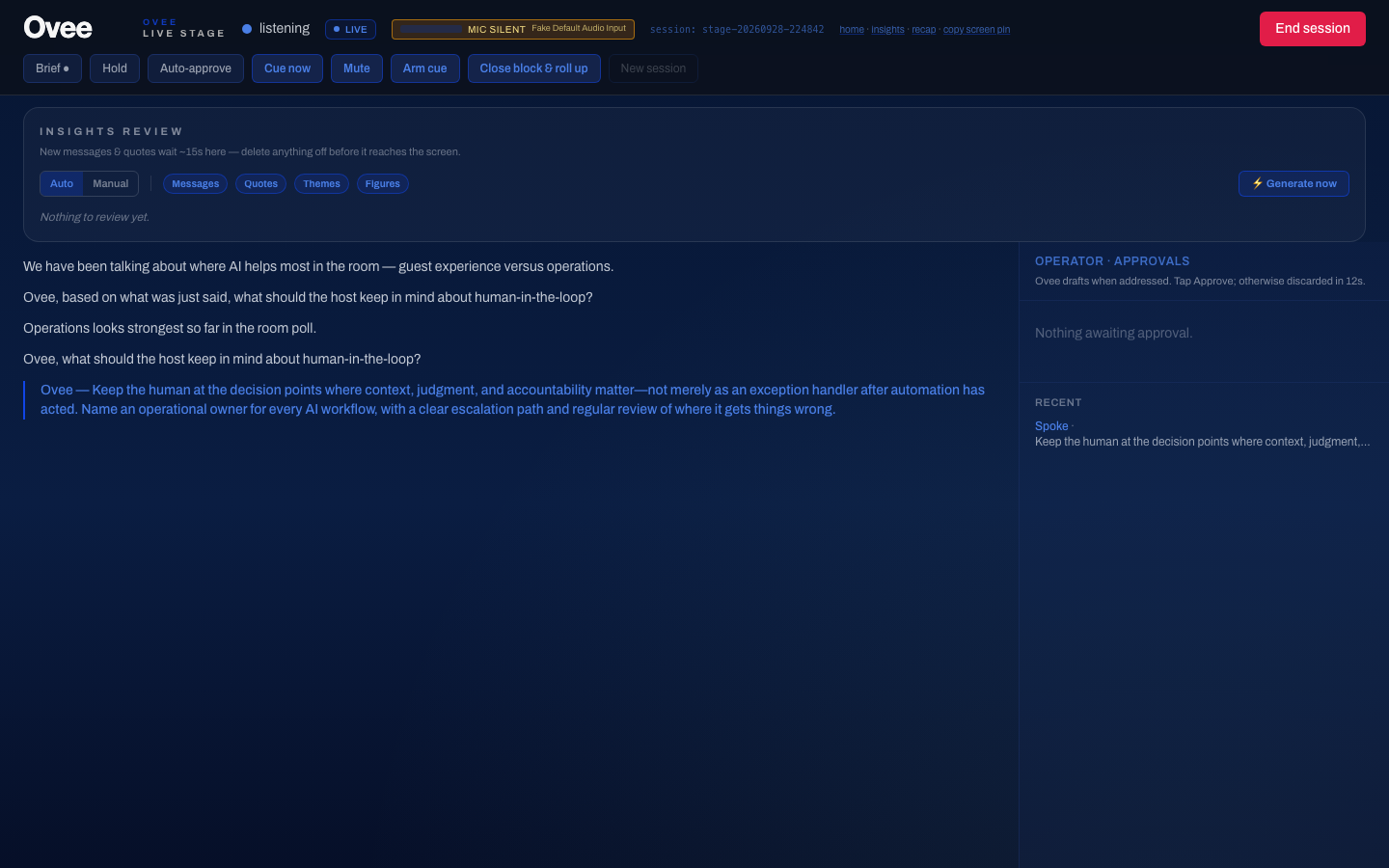
For the moderated stage workflow, I separated generating a response from permission to speak. The operator can review, approve or discard a draft before it reaches the audience.
A draft also expires. If nobody approves it within 12 seconds it is discarded silently, so a slow decision becomes a missed line, never a late interruption. I first set 8 seconds; a solo rehearsal, with me as both operator and speaker, showed that was too tight.
I added guards so an empty response cannot become a blank approval card, and a second approval click cannot dispatch the same response while the first is being handled. Component tests cover both cases.
Two controls came from the event floor at CheckedIn. Yoav asked for them during the event and I shipped them between sessions: an operator Mute that takes the room off the record, and strict correction of speaker names in the transcript.
The operator also sees whether the room is actually being heard. A capture-health light turns amber after 60 seconds without new transcript and red after 180, so a dead microphone shows up before Ovee misses a question.
Before any draft, a strict gate decides whether Ovee was actually addressed, and anything unclear counts as silence. Reading the production logs after CheckedIn, I found that three of the seven server errors came from that check: Azure’s content filter had flagged ordinary panel lines as self-harm or violence and refused the request. Each time Ovee stayed silent, so nothing reached the room, but the refusal surfaced as a 500 rather than a silence. I fixed it so a filter refusal is treated like any other unclear input, and added a regression test built from the production case. The other four errors never reached the application; Azure’s front end returned them.
The extra review step gives the operator a clear point to stop an unsuitable answer. This boundary applies to the moderated stage workflow; other modes have their own delivery controls.
One response, one playback start
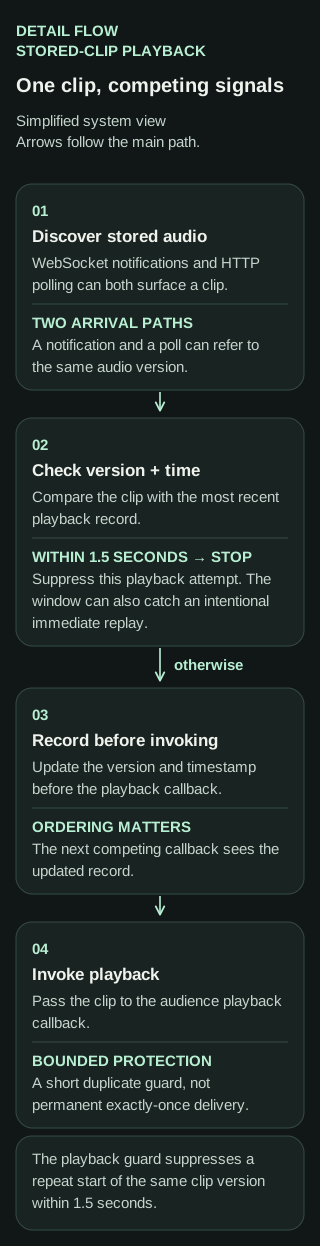
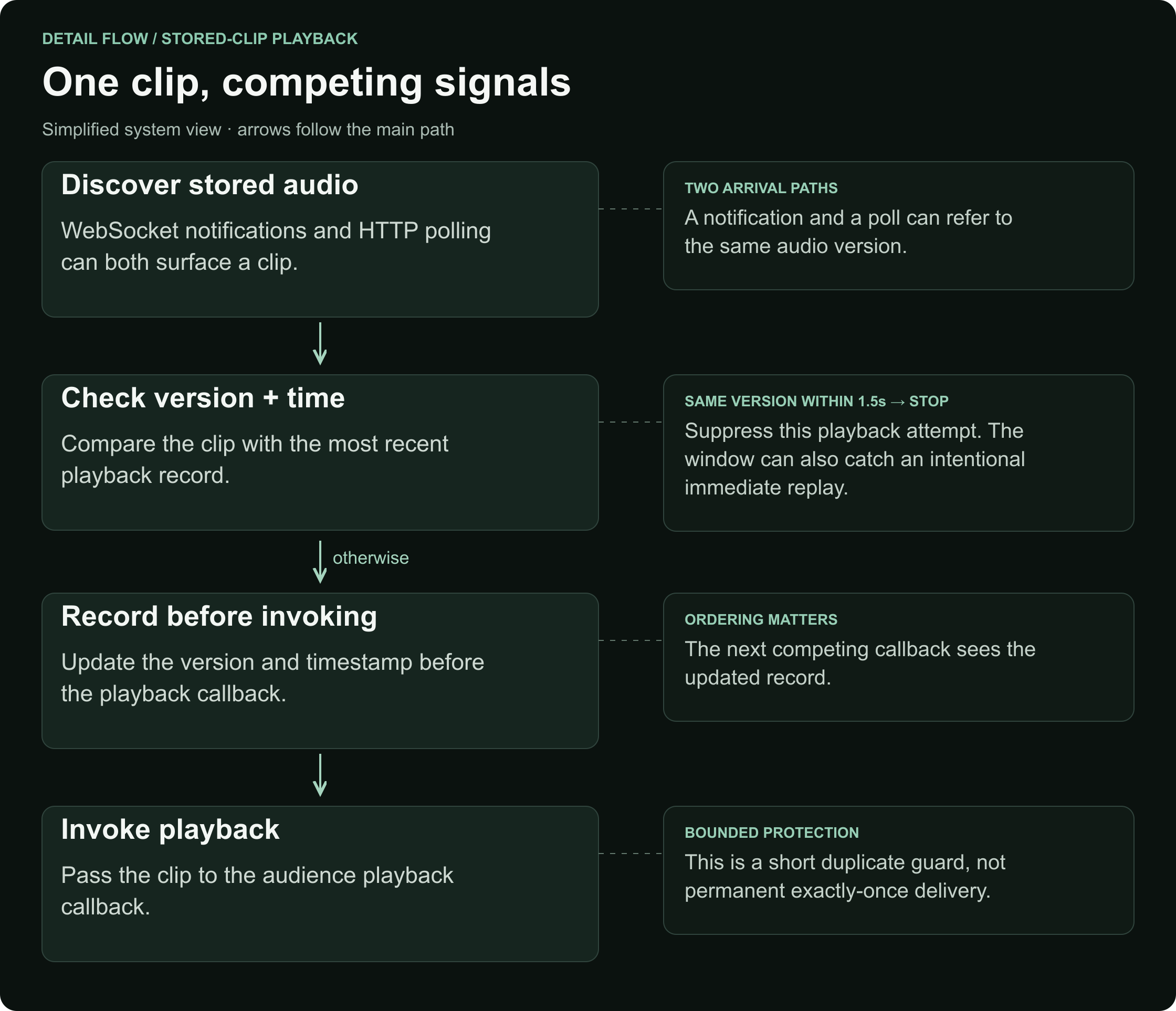
An audio notification and a replay request can arrive close together for the same stored clip. Without coordination, the audience can hear the same response start twice.
I consolidated playback through a shared guard that checks the clip version and its last dispatch time. It suppresses the same version within 1.5 seconds, recording the version and time before invoking playback so an immediate second callback sees the updated state.
The bounded window allows later replay. The tradeoff is that it can also suppress an intentional replay requested within that short window.
Recovering from missed notifications and blocked audio
WebSocket notifications help discover fresh audio quickly; HTTP polling provides a recovery path. If a notification arrives during an existing fetch, a pending flag requests another fetch afterward. Replay intent is tracked separately.
Browser audio may remain blocked until a user gesture unlocks playback. The audio hook can stay disabled until the audience surface is ready, avoiding consuming a clip version before it can be heard.
Server-time alignment also supports late arrivals. The first clip starts from the beginning; later clips can use a bounded offset while retaining a short lead-in. I also worked on lowering competing live audio during generated speech and on operator mute behaviour.
When the stage’s realtime connection drops, it reconnects with exponential backoff: 1.5 seconds, doubling, capped at 20, so a room full of screens never retries in lockstep. The conversation mode’s realtime voice session can reconnect carrying the transcript so far, so the model resumes with context instead of starting cold.
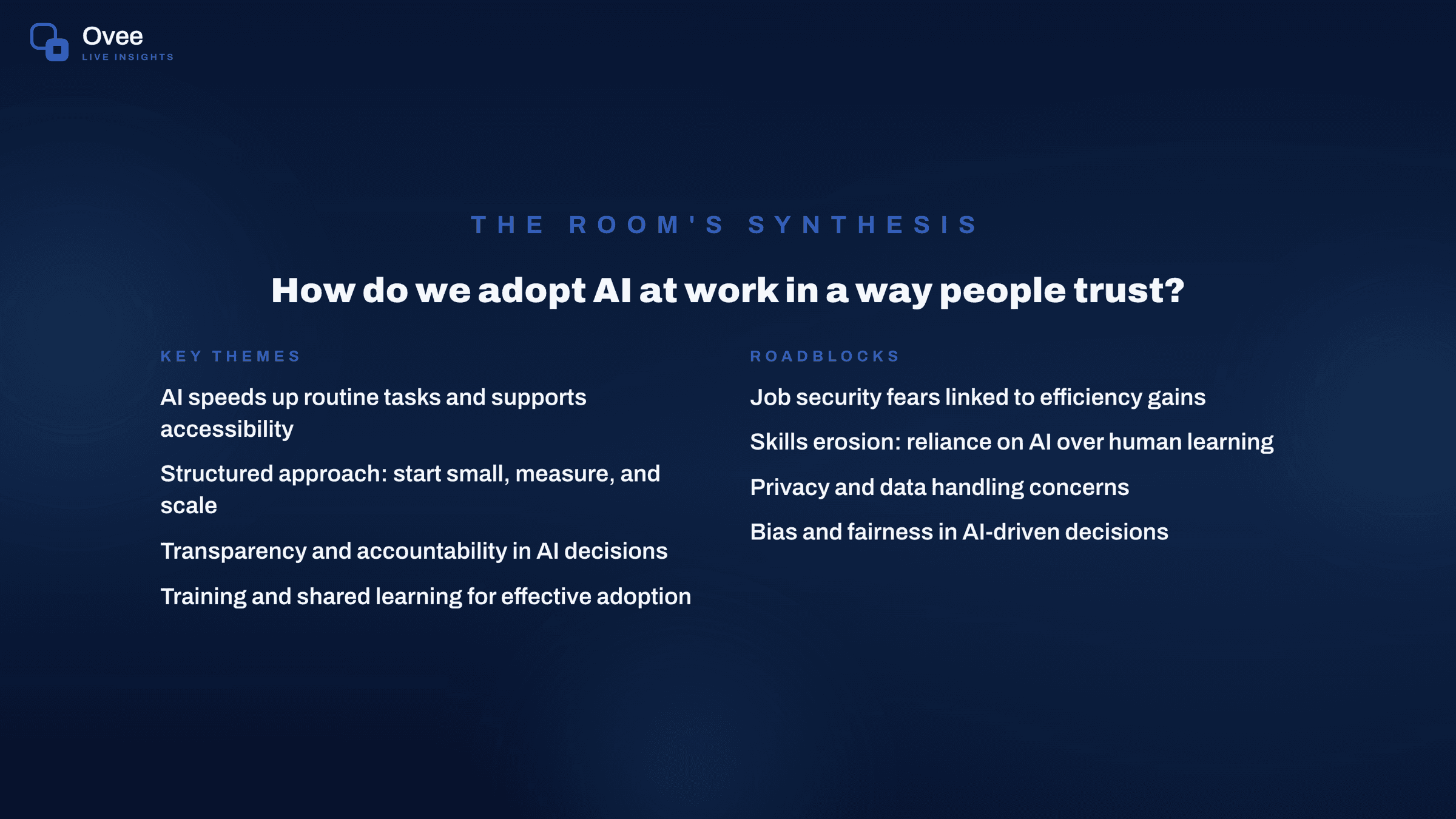
Sixty tables, one synthesis
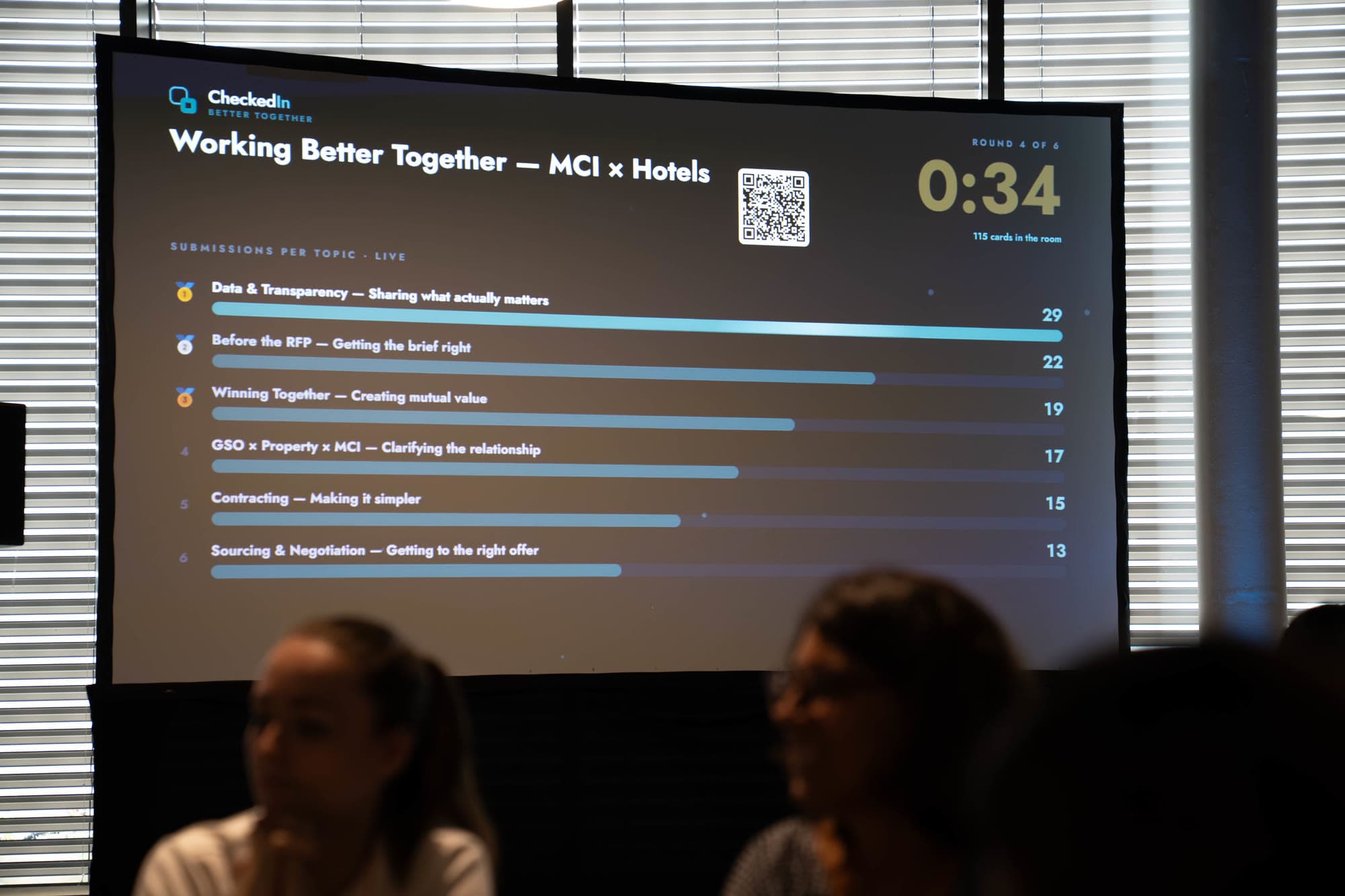
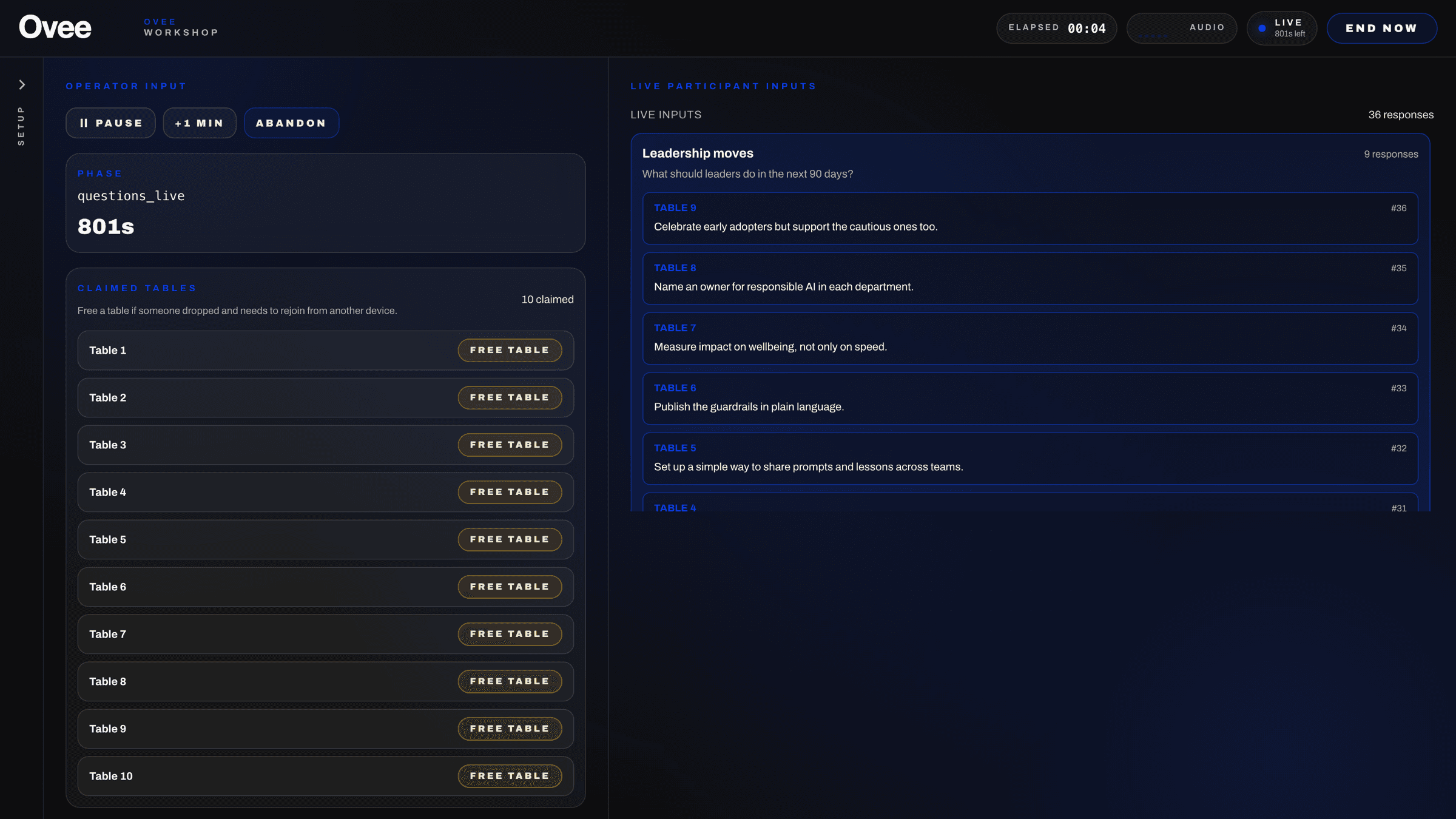
A leadership workshop can put 60 roundtables in a room at once. Each table claims a number from a phone, submits its conclusions, and expects to see the whole room’s thinking on the main screen moments later.
The workshop runtime holds that state behind a single async lock: timer, table claims, contributions, summaries and summary audio. Two phones claiming the same table get a clear “already taken” instead of a silent overwrite, and an operator can free a table when a device drops. Summary audio carries a server-time playback position, so a screen that joins late picks up mid-sentence instead of restarting. In testing, summaries were generated in 3–6 seconds.
The trade-off is deliberate: state lives in one process, in memory. That keeps a single event simple and fast, but it cannot scale horizontally and does not survive a restart. When CheckedIn needed two workshop rooms running at once, I added Room A and Room B overnight, with their own tests, instead of redesigning the store mid-event.
A French-speaking stage
For an upcoming French-language event, Ovee has to speak French on stage. Instead of scattering language checks, one runtime setting (environment, then the instance’s language, then French by default) drives the draft language, the transcription hint, the model instructions and the voice style. I chose the “coral” voice because it held natural French better than the alternatives I tested.
Rehearsal as engineering
Live events do not allow a second take, so the tests have to stand in for one: 699 backend test functions and 73 frontend test files. Before one event I fixed nine existing failures to take the suite from 270 to 280 passing. Browser rehearsals caught bugs that unit tests did not, such as participants submitting “undefined” in a workshop, and a live QA pass found that a stale backend broke endpoints, which added a restart step to the operator runbook. Each mode has its own rehearsal checklist.
After an event, the report PDFs go through a release check before they leave: a four-file allowlist, raster fingerprints and a privacy scan of every page, plus a SHA-256 manifest of the archive.
From event builds to a product
Each event started as its own build. After CheckedIn I turned them into one codebase: configurable modules, a tenant registry, and one instance setting that selects branding, language and features. That is how the same platform runs as differently branded co-hosts in different markets.
Model behaviour as application logic
Mode-specific prompt builders and tests keep provider integration out of individual screens. Language and text-to-speech models sit behind small provider interfaces, so moving between OpenAI and Azure OpenAI, or to a local voice, is a configuration change, not a rewrite.
Prompt instructions guide what the model says. Application state decides whether a draft can be approved and whether audio is dispatched. Keeping those responsibilities separate makes the system easier to test and safer to operate.
Delivery and what I would measure next
Ovee has run at four live events. Separately from the 600-person summit, a preserved CheckedIn export contains six captured stage sessions, and its workshop summary records 163 contributions across six topics.
The next number I would instrument is approval-to-audible time: how long from the operator’s click to sound in the room, tracked separately from model latency. I would also extend scenario tests around reconnects, stale notifications and replay during an in-flight fetch, and add the peak-load test to CI rather than running it by hand before each event.
More product views